Help
Saved QR Code Library
Every tier, including Free, can save QR codes to your account and come back to them later without redoing the design.
Saving a code
While logged in, design a QR code on the generator, then click Save to library next to Download. It's stored with its full color/shape styling so you can reload and keep editing it later.
Your library
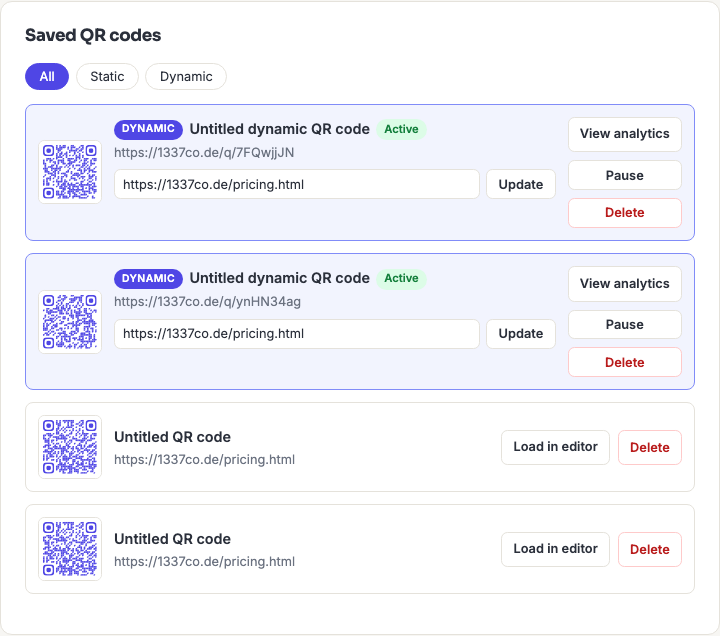
Open My Code Library from the account menu to see everything you've saved, each with a live thumbnail. From there you can Load in editor (brings it back into the generator to keep customizing or re-download) or Delete it.
Known limitation: a saved item's exact individual fields (e.g. a vCard's separate name/phone/email boxes) aren't preserved — only the final encoded value and its visual style are. Loading it back in fully restores appearance, but a composite type's original field-by-field values can't be re-split out.
How many you can save
| Tier | Library limit |
|---|---|
| Free | 10 codes |
| Registered | 25 codes |
| Pro / Business | Unlimited |