QR Code Types
Wi-Fi QR Codes
Encodes a network's name and password — scanning it offers to join the Wi-Fi network directly, no typing required. This is the same format ("ZXing" format) every major phone's native camera scanner understands.
How to create one
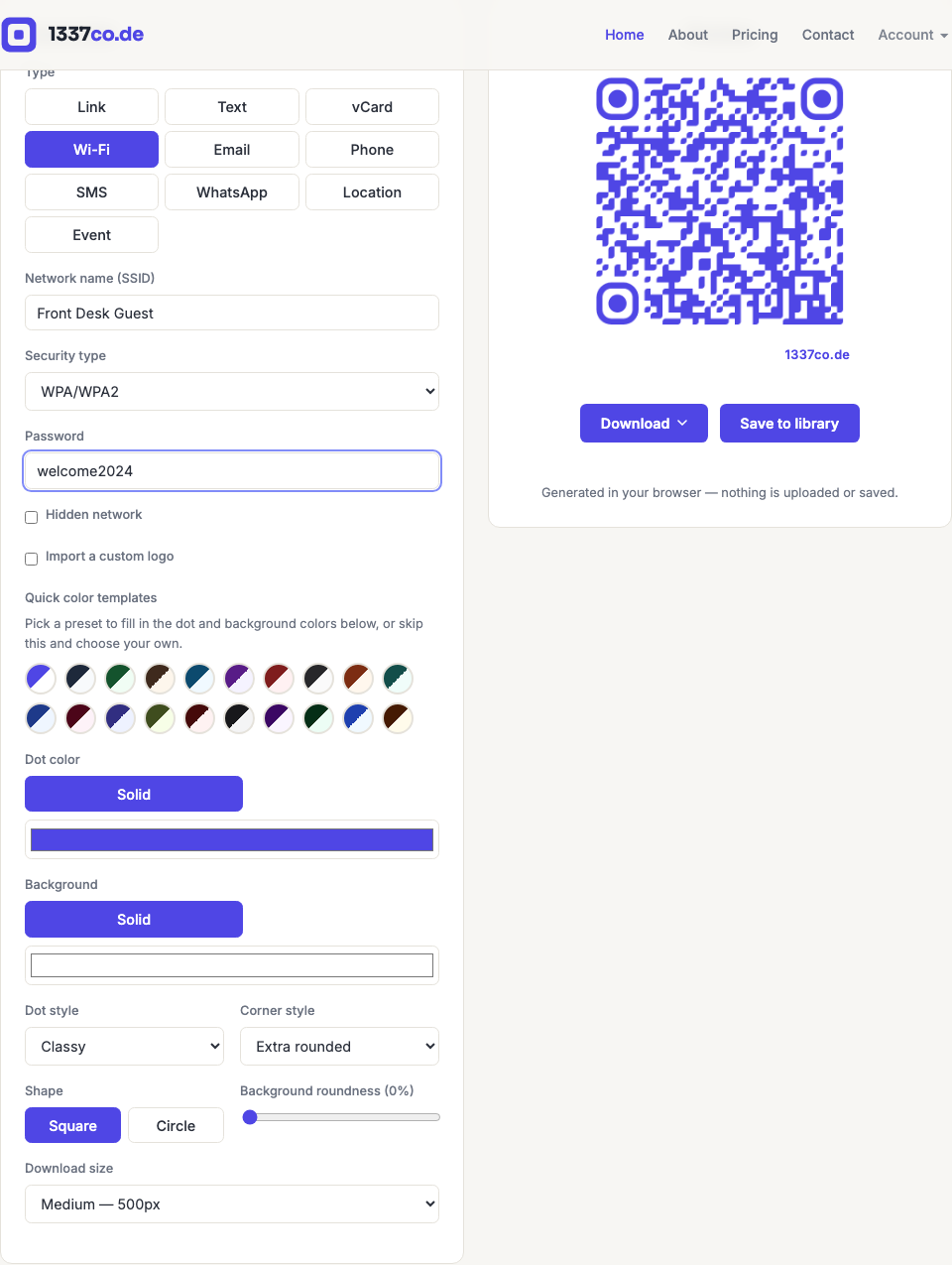
- Go to the QR code generator and select Wi-Fi from the Type row.
- Enter the network name (SSID) and choose the security type: WPA/WPA2, WEP, or No password.
- If it's password-protected, enter the password. Check Hidden network if the SSID isn't broadcast.
When to use it
Guest Wi-Fi at a café, hotel room, office lobby, Airbnb, or event venue — anywhere people would otherwise have to ask staff for the password or squint at a handwritten sign. Choosing No password hides the password field entirely, since there's nothing to encode.