QR Code Types
WhatsApp QR Codes
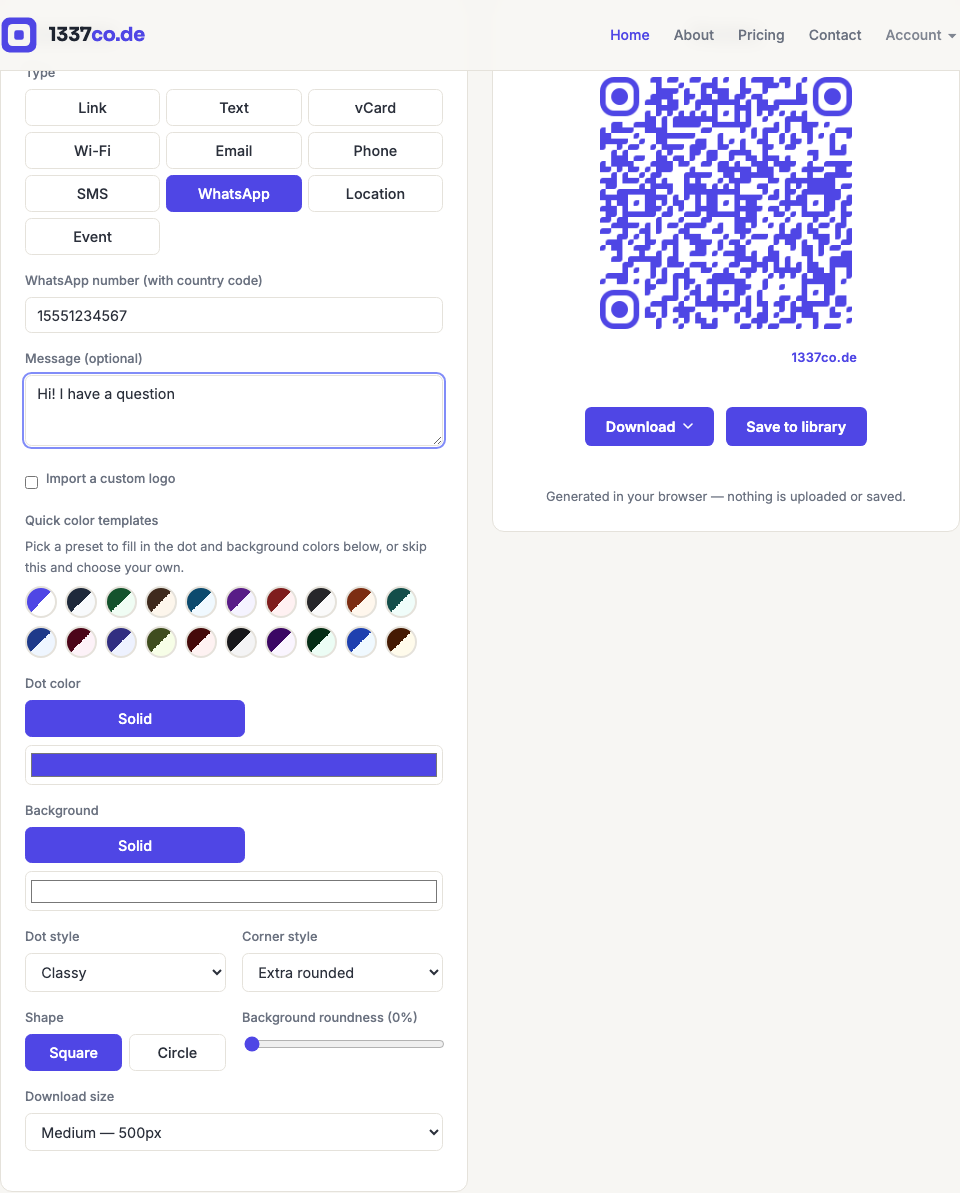
Encodes a wa.me "Click to Chat" link — scanning it opens WhatsApp (or WhatsApp Web, if the app isn't installed) with a chat to the number already started, optionally with a message pre-filled.
How to create one
- Go to the QR code generator and select WhatsApp from the Type row.
- Enter the number with country code — unlike the Phone/SMS types, this field wants digits only (no
+, spaces, dashes, or parentheses). - A pre-filled message is optional.
When to use it
Customer support in regions where WhatsApp is the primary messaging channel, "message us" prompts on packaging or storefronts, or event RSVPs. Note this isn't an official IETF/IANA link standard like tel: or mailto: — it's WhatsApp/Meta's own officially-documented format, but it's universally supported across devices.