QR Code Types
vCard QR Codes
Encodes a vCard 3.0 contact card — scanning it offers to save a new contact directly to the phone, with name, organization, title, phone, email, website, and an optional address.
How to create one
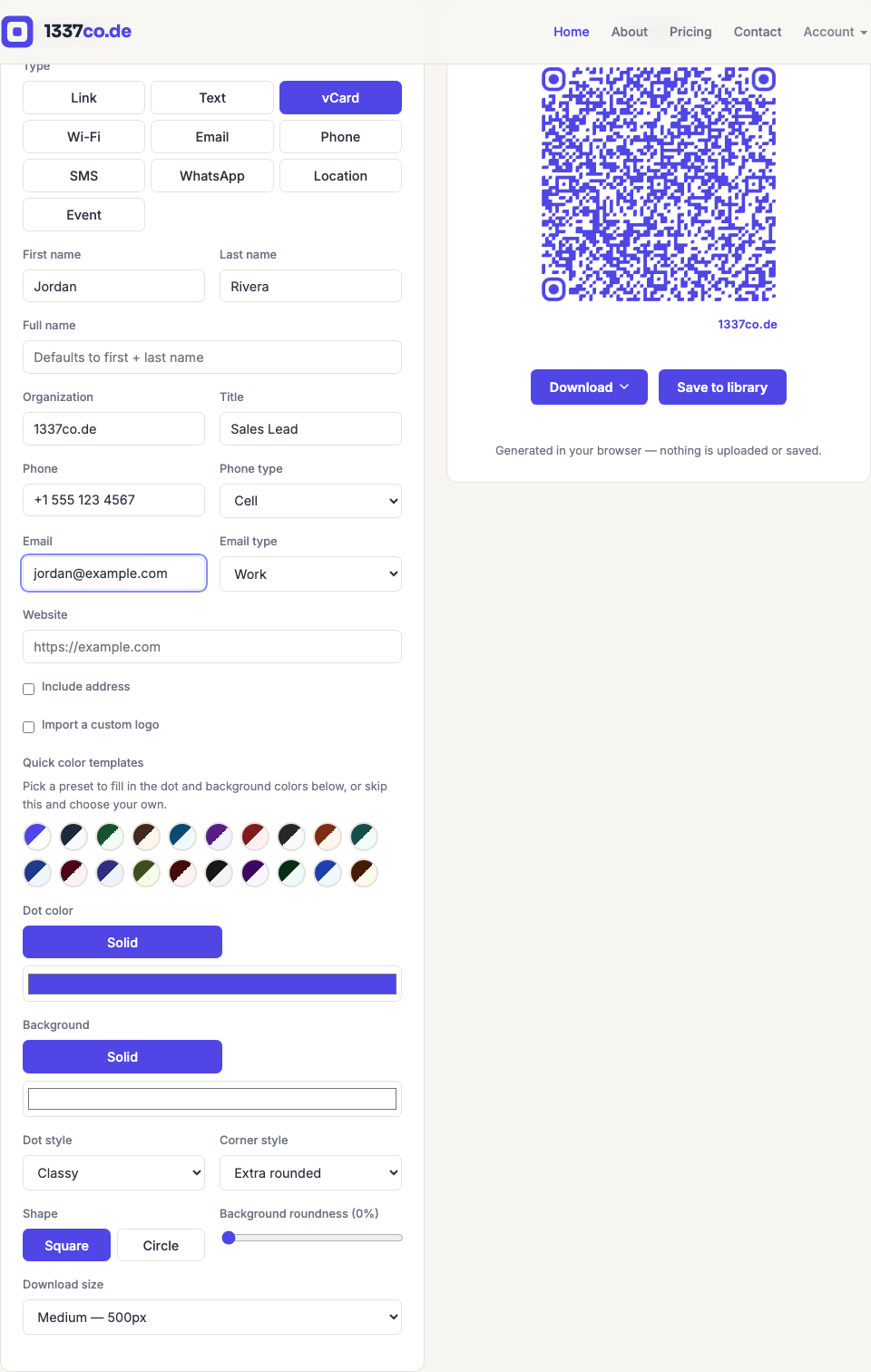
- Go to the QR code generator and select vCard from the Type row.
- Fill in first/last name (or a separate full name if you want it displayed differently), organization, title, phone with its type (Cell/Work/Home/Fax), email with its type (Work/Home), and website.
- Check Include address to add a street/city/region/postal/country block.
When to use it
Business cards, conference badges, email signatures, "add me to your contacts" moments at events — anywhere you'd normally hand someone a business card. vCard 3.0 was chosen deliberately over the newer vCard 4.0 for broadest device and scanner compatibility; 4.0 was tried and rolled back since it produced a denser payload for only marginal real-world benefit.