QR Code Types
Text QR Codes
Encodes whatever text you type, passed through unmodified — no normalization, no link, no contact card. A scanner just displays the text.
How to create one
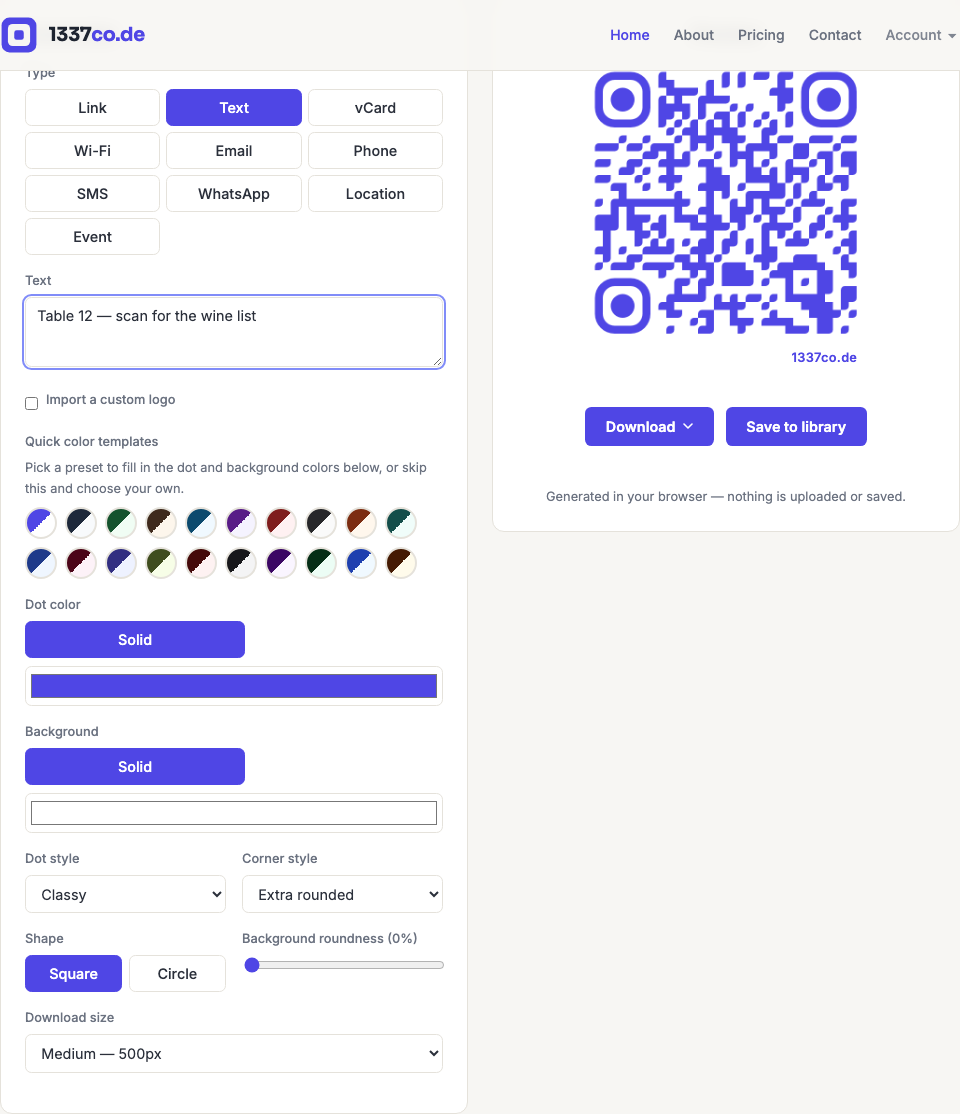
- Go to the QR code generator and select Text from the Type row.
- Type or paste whatever you want the code to display.
- The preview updates instantly as you type.
When to use it
Table numbers, short instructions, a quote, a code phrase, or anything else that's meant to just be read rather than opened or acted on. If what you're encoding is actually a link, contact card, or Wi-Fi network, use that type instead — the generator can't tell the difference between "text that happens to look like a URL" and a real Link type, so a scanner's "open link" prompt won't appear for a Text-type code even if the text is a URL.