QR Code Types
SMS QR Codes
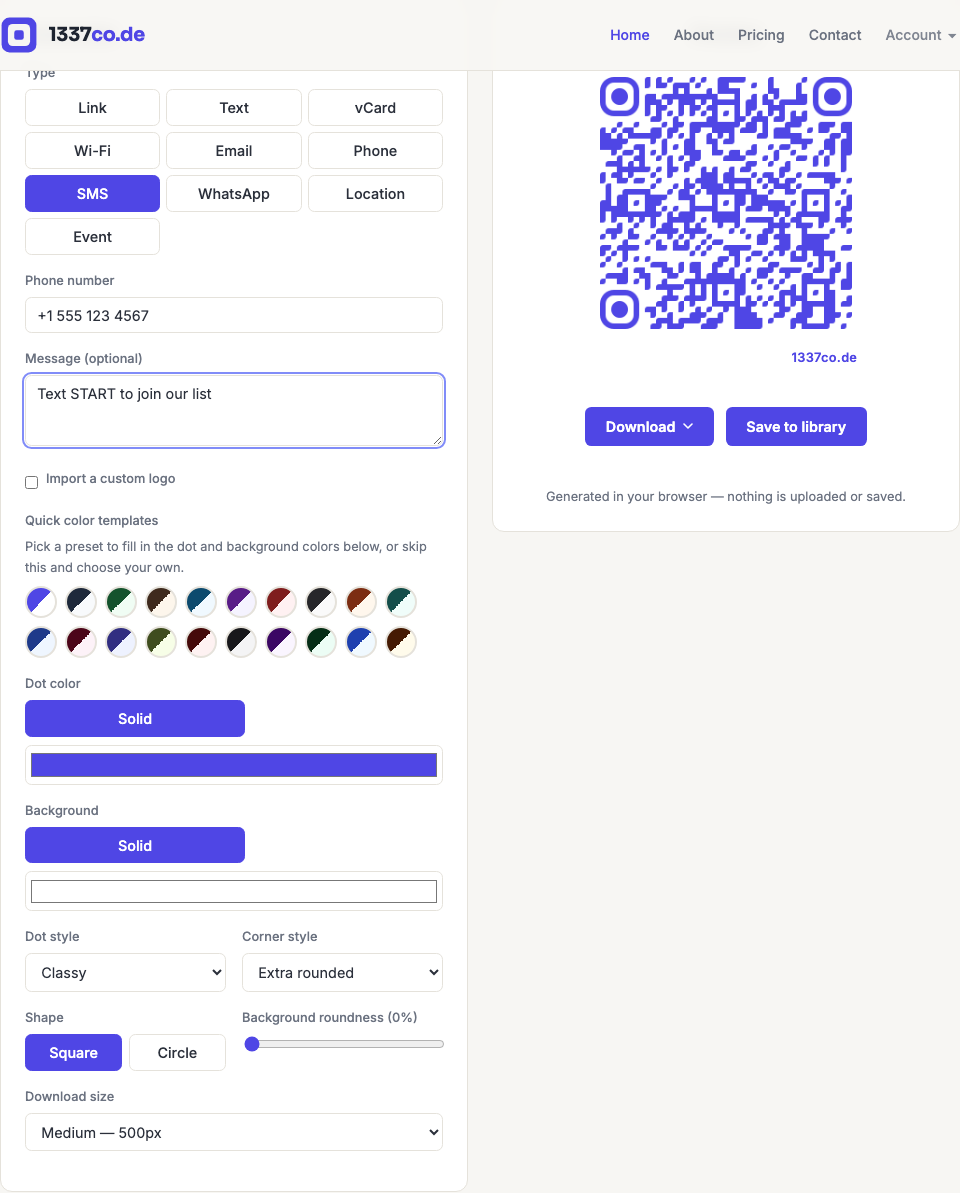
Encodes an sms: link — scanning it opens the phone's messaging app with the number (and optionally a message) already filled in, ready to send.
How to create one
- Go to the QR code generator and select SMS from the Type row.
- Enter the number. A message is optional.
When to use it
"Text START to join" mailing-list signups, "text us your order number" support flows, or event check-in confirmations. One thing worth knowing: whether a pre-filled message actually shows up depends on the phone's OS — this is a real, unresolved inconsistency between Android and iOS in how the sms: link format handles a message body, not something 1337co.de controls. If the message doesn't pre-fill on a particular device, the number itself still opens correctly.