QR Code Types
Phone QR Codes
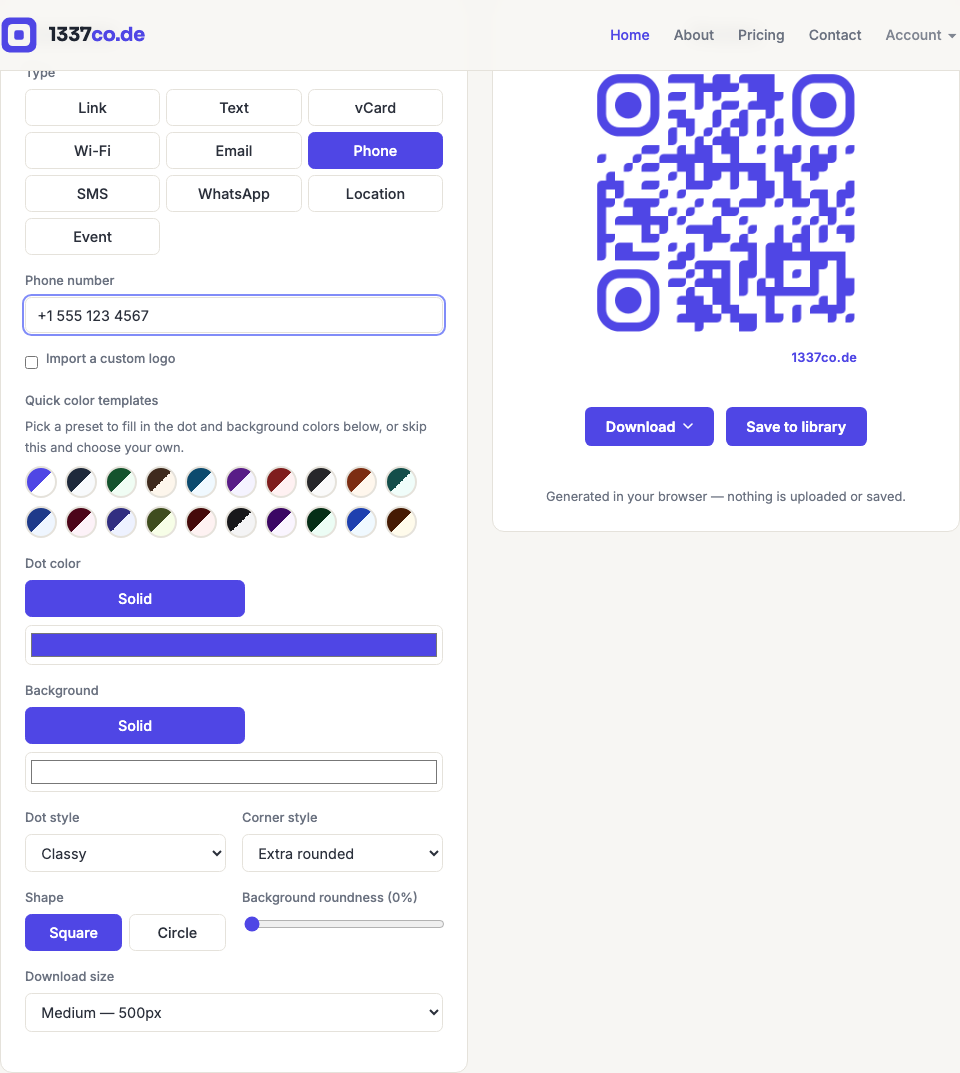
Encodes a tel: link — scanning it starts a phone call to the number, no dialing required.
How to create one
- Go to the QR code generator and select Phone from the Type row.
- Enter the number. Spaces, dashes, and parentheses are fine — they're stripped automatically, leaving an optional leading
+plus digits only, for more reliable parsing across phones.
When to use it
Support hotlines on packaging, "call to book" signage, restaurant reservation lines, or any "one tap to call" scenario. Simpler than SMS or WhatsApp when a message isn't needed — just a direct call.