QR Code Types
Location QR Codes
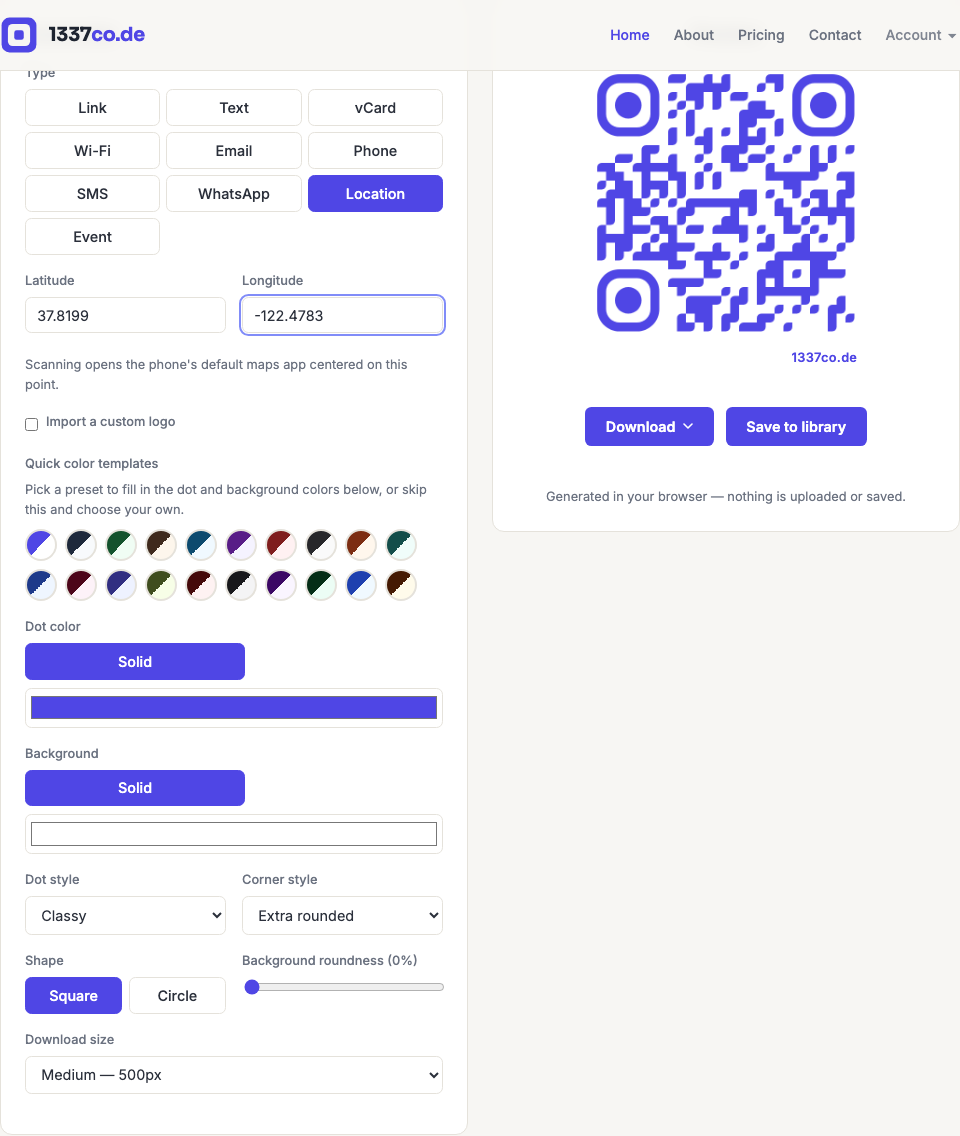
Encodes a geo: URI — scanning it opens the phone's default maps app centered on the exact coordinate, ready for directions.
How to create one
- Go to the QR code generator and select Location from the Type row.
- Enter latitude and longitude. If you leave both blank, the preview uses a real placeholder coordinate (the Golden Gate Bridge) rather than
0,0, which would look like a mistake rather than an unset field.
When to use it
Directions to a venue, a specific building entrance, a delivery drop-off point, or a trailhead — anywhere a written address is more ambiguous than a exact point. If you don't know your exact coordinates offhand, most maps apps let you drop a pin and read them off directly; a friendlier pin-drop picker inside the generator itself is a planned future improvement, tracked separately.