QR Code Types
Link QR Codes
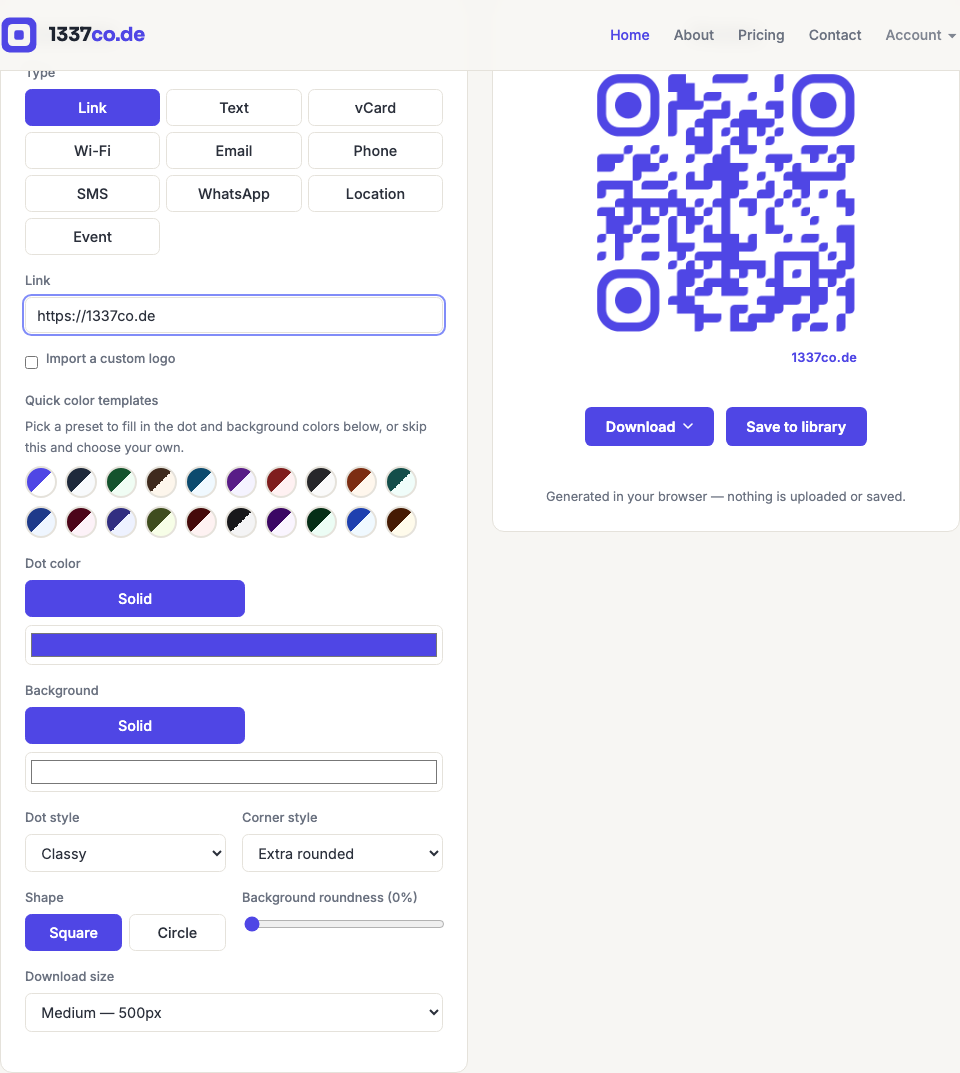
The simplest and most common type — encodes a URL, so scanning the code opens a web page. This is the default type selected when you open the generator.
How to create one
- Go to the QR code generator — Link is already selected by default.
- Paste or type the URL you want to point at. If you leave off
https://, it's added automatically. - The preview updates instantly as you type.
When to use it
Anywhere you want to send someone to a website — a product page, a menu hosted online, a signup form, your social profiles, or a landing page. If you'll ever need to change the destination after printing, use a dynamic QR code instead — a plain Link code's destination is permanent once printed.