QR Code Types
Event QR Codes
Encodes a standard iCalendar (.ics-style) event — scanning it offers to add the event straight to the phone's calendar app, with title, date/time, location, and description.
How to create one
- Go to the QR code generator and select Event from the Type row.
- Enter a title, start time, and (optional) end time — location and description are also optional.
- Leaving the dates blank previews with a sample event ("tomorrow at 2pm"); leaving the end time blank while a start is set defaults to a 1-hour event.
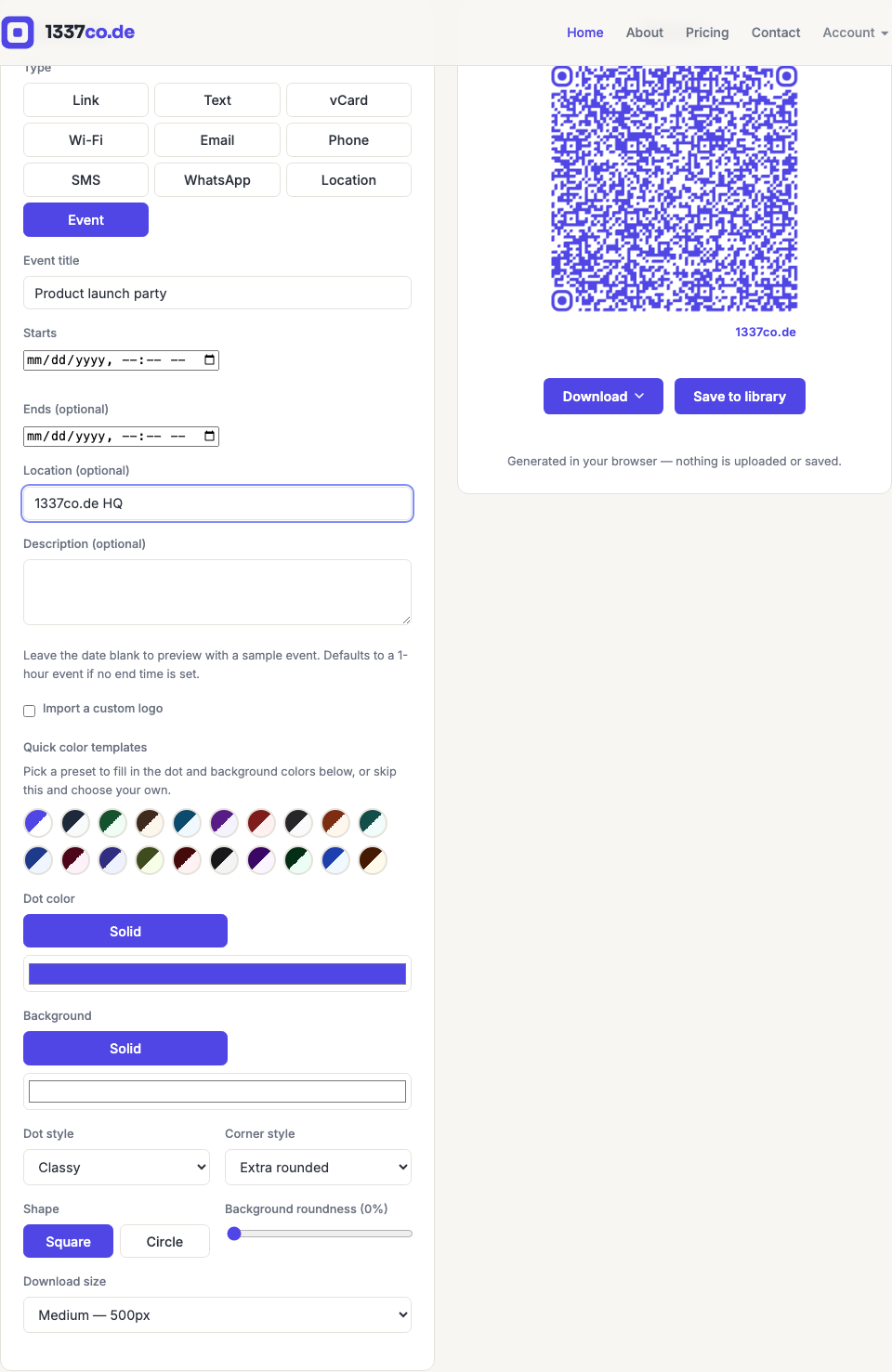
The end time must be after the start time — the generator blocks download/save with a clear error if it isn't, rather than silently encoding a nonsensical event.
When to use it
Conference sessions, webinar reminders, wedding/party invitations printed on physical cards, or store-hours-style recurring events. This is the static version — it always points to the same fixed event. If you need the event's details to change later (e.g. rescheduling) without reprinting, that would require a dynamic version pointing at a landing page, which isn't built yet and is tracked as a separate future feature.