QR Code Types
Email QR Codes
Encodes a mailto: link — scanning it opens the phone's default mail app with the "To" address (and optionally subject and body) already filled in.
How to create one
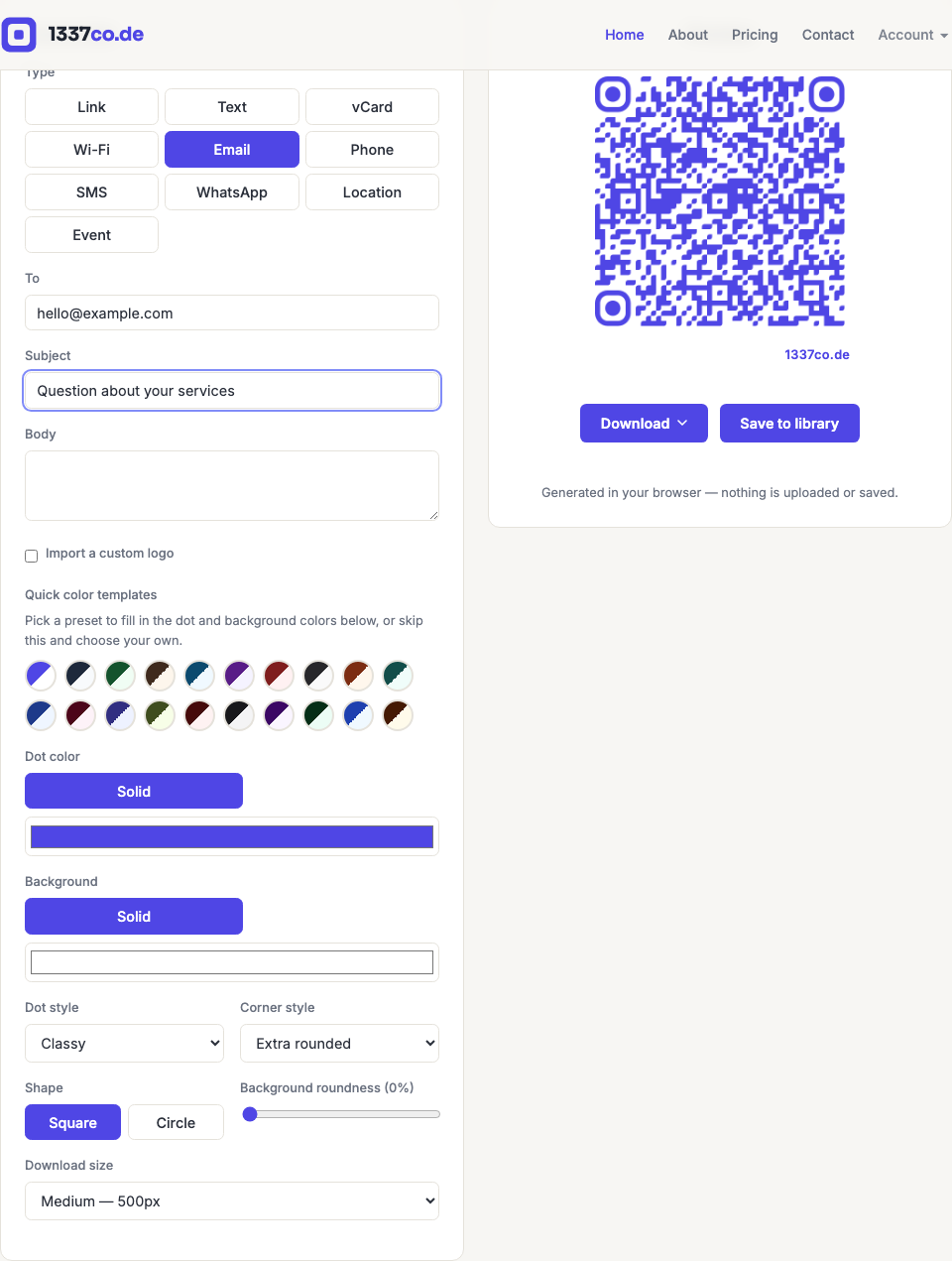
- Go to the QR code generator and select Email from the Type row.
- Enter the recipient address. Subject and body are optional.
When to use it
"Contact us" prompts on flyers or posters, a pre-written subject line for support requests, RSVP-by-email invitations, or feedback forms. Pre-filling the subject line is a good way to route replies (e.g. "Question about [product name]") without asking the person scanning to type it themselves.