Customizing your QR code
Colors, Gradients & Quick Templates
Every QR code type can be recolored — pick a ready-made template, or set the dot and background colors yourself.
Quick color templates
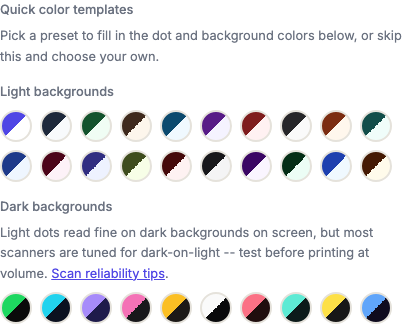
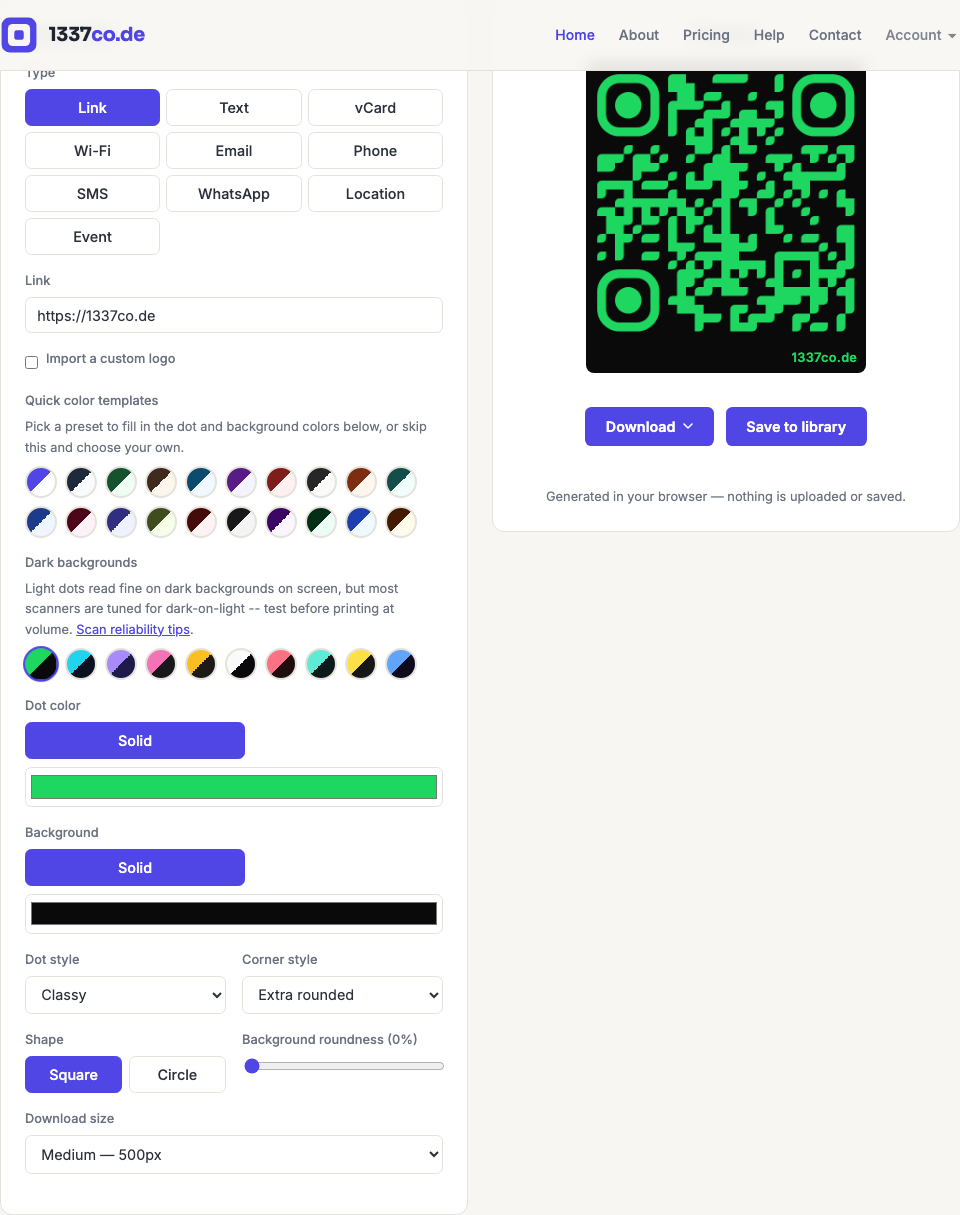
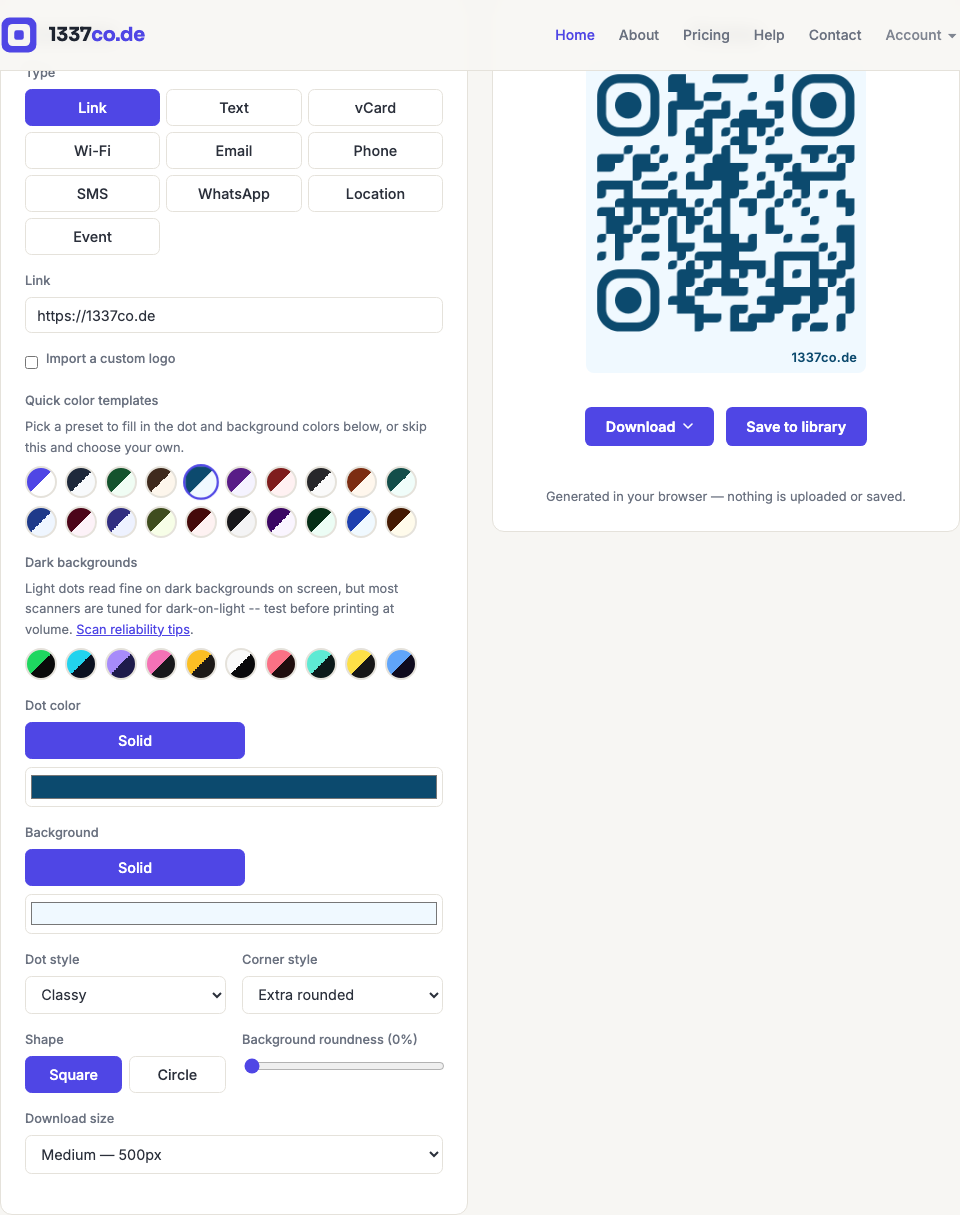
Above the Dot color field, a "Light backgrounds" row of small circular swatches shows 20 ready-made light-background color pairings (like "Indigo Classic" or "Deep Ocean"). Click one to instantly set the Dot color and Background to that pairing. This is available to every tier, including logged-out visitors — it's not a paid feature.
Dark background templates
Below the "Light backgrounds" row, a second "Dark backgrounds" group offers 10 more presets with a light-colored dot on a dark background (like "Neon Pulse" or "Cyber Cyan") — the same style as apps like Spotify use for their own QR codes. These read fine on screen, but most scanner software is tuned to expect dark modules on a light background, so test a dark-background code before printing it at volume — see scan reliability tips.
Setting your own colors
Use the Dot color and Background color pickers to choose any solid color. The generator warns you if the two colors are too close in tone to scan reliably — more contrast between the code and its background is always safer.
Gradients
Registered tier and above can switch either the Dot color or Background from Solid to Gradient, picking two colors and a linear or radial direction. Free-tier visitors and logged-out users only see the Solid option.