Your Account
Deleting Your Account
Account deletion is self-service, from your profile, and permanent.
How to delete your account
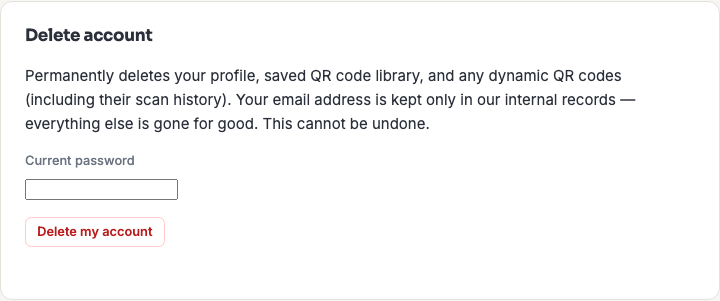
On My Profile, scroll to the "Delete account" panel, re-enter your current password to confirm, and submit.
What gets deleted
Your profile, saved QR code library, and any dynamic QR codes (including their scan history) are permanently deleted. Your email address is kept in a minimal internal record afterward — this is a deliberate choice for remarketing/deduplication purposes, not an oversight — but everything else about your account is gone for good.
Business team members
If you're part of a business team, deleting your account also removes you from that team's shared library immediately, the same as being removed by an admin — see Business Accounts.